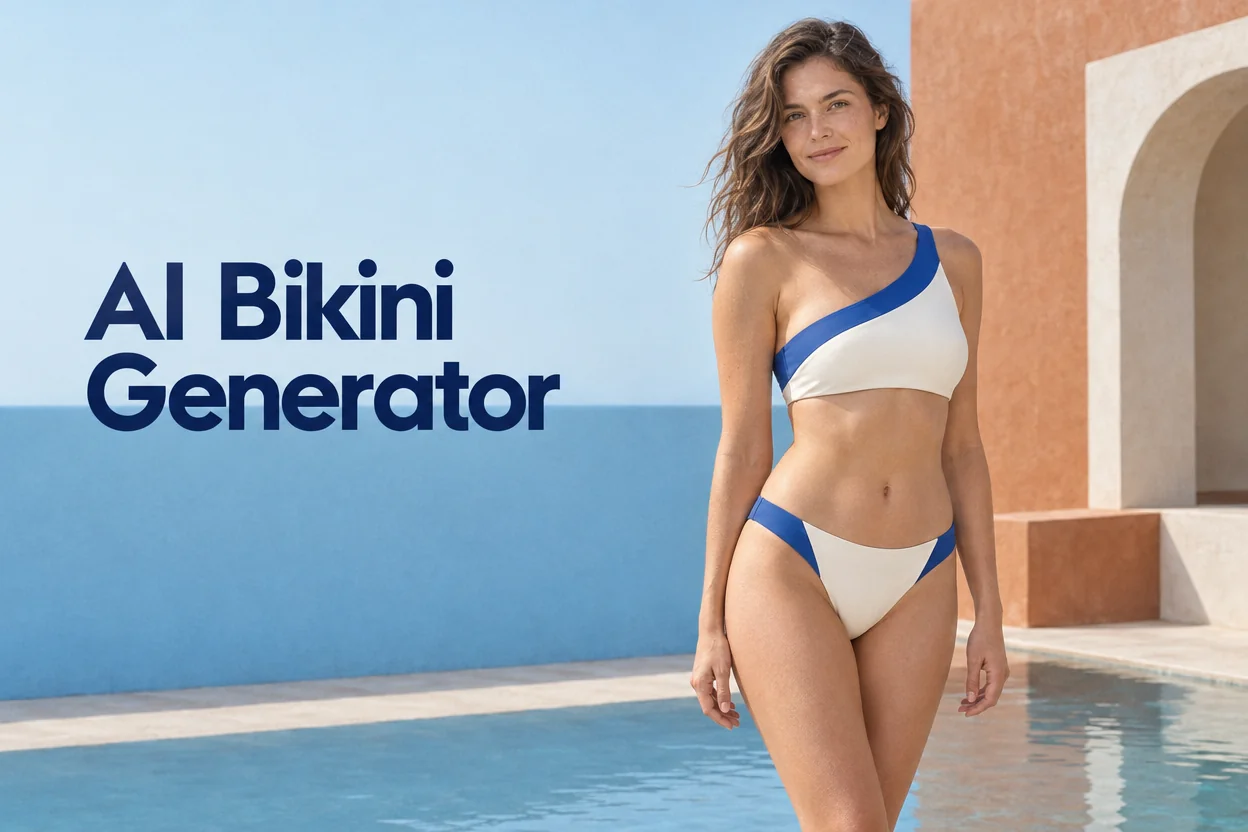
AI Bikini Generator

AI Bikini Generator for Swimwear Photos from Text

Create a swimwear photo of a fictional adult model from a written description. Shape the shot with the bikini cut, setting, light, and camera angle you have in mind.

Aspect ratio

What Is an AI Bikini Generator?

An AI bikini generator creates new swimwear images from written descriptions. This tool focuses on still photographs of fictional adult models and styling existing photos of swimwear garments.

The finished image is a way to see a swimsuit design and its surroundings together. A plain ribbed suit has a different effect against reflective pool water than against an even studio backdrop. A saved frame lets you bring that visual direction into a shoot plan, mood board, or layout discussion.

AI Bikini Generator over a sunny bathhouse fashion photograph

What You Can Make with the AI Bikini Generator

Design a swimsuit, direct the camera and light, set the frame, or restyle a photo of the garment itself.

Design a bikini from a description

Start with the cut and fabric you want to explore. A wide halter strap, a matte ribbed finish, and high-waisted bottoms give the image a more specific silhouette than a color alone. You can leave smaller details open and decide which ones to refine after seeing the first image.

Generate a bikini design
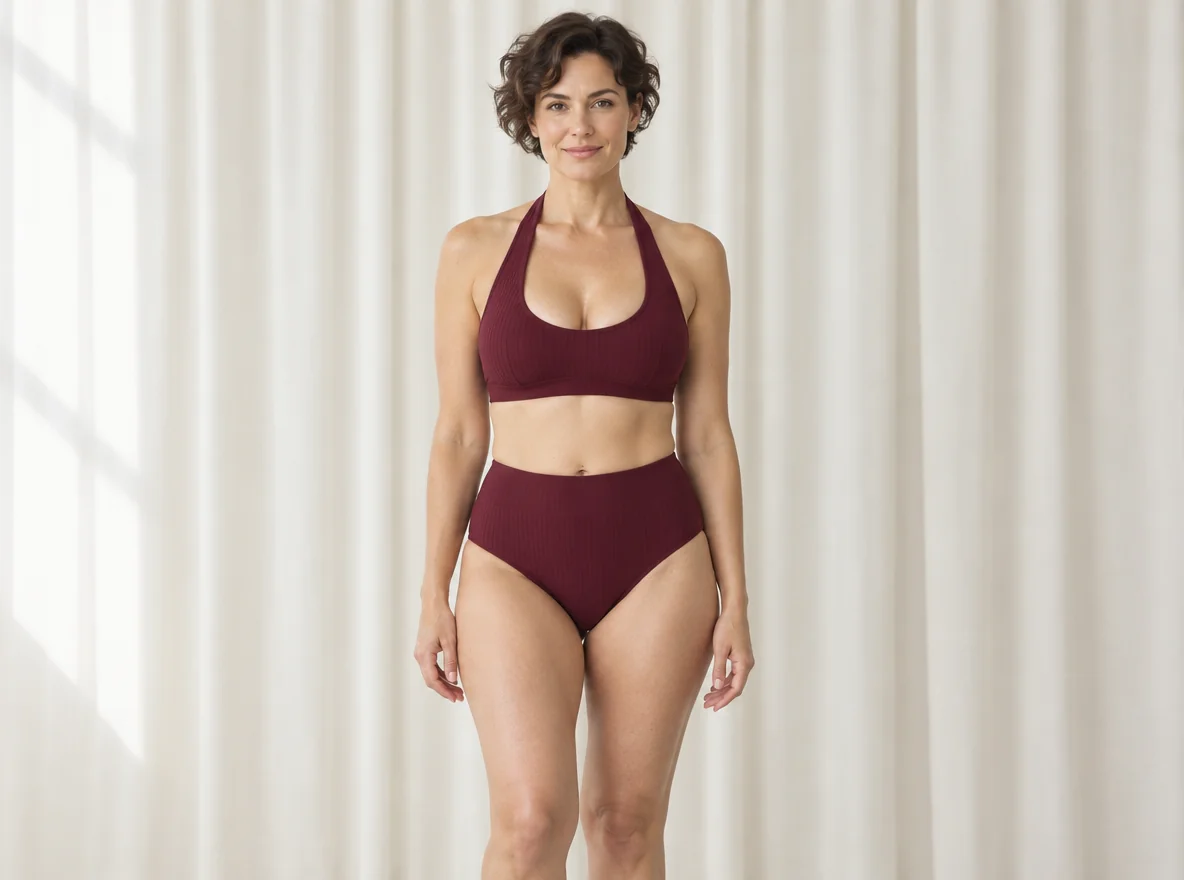
Burgundy halter swimsuit with matte ribbed fabric in a daylight studio

Set the scene and camera angle

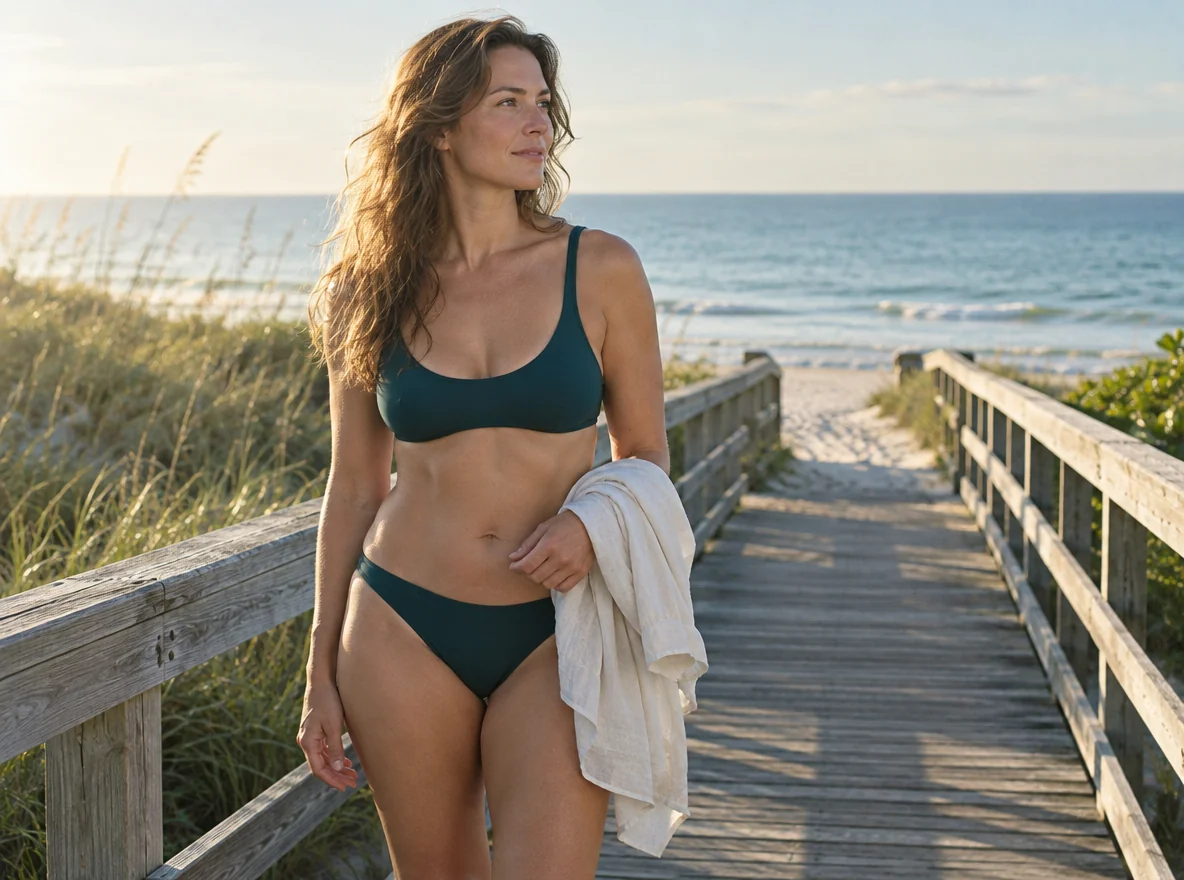
Describe where the camera stands and how light falls on the scene. An eye-level portrait in open shade can make the fabric the focus. A wider camera view with side lighting gives the beach or pool room to tell part of the story. Name the point of focus so it stays clear when you add the surroundings.

Create a swimwear portrait
Dark teal swimwear in side light on a beach boardwalk

Choose a frame for the final image

Choose a 4:5 portrait frame for a closer fashion portrait, 1:1 for a square detail, or 16:9 for a scene with room beside the subject. Choose the shape before you write the shot. A wide frame works well when the shoreline, architecture, or room for a headline matters to the finished image.

Create an image in your format
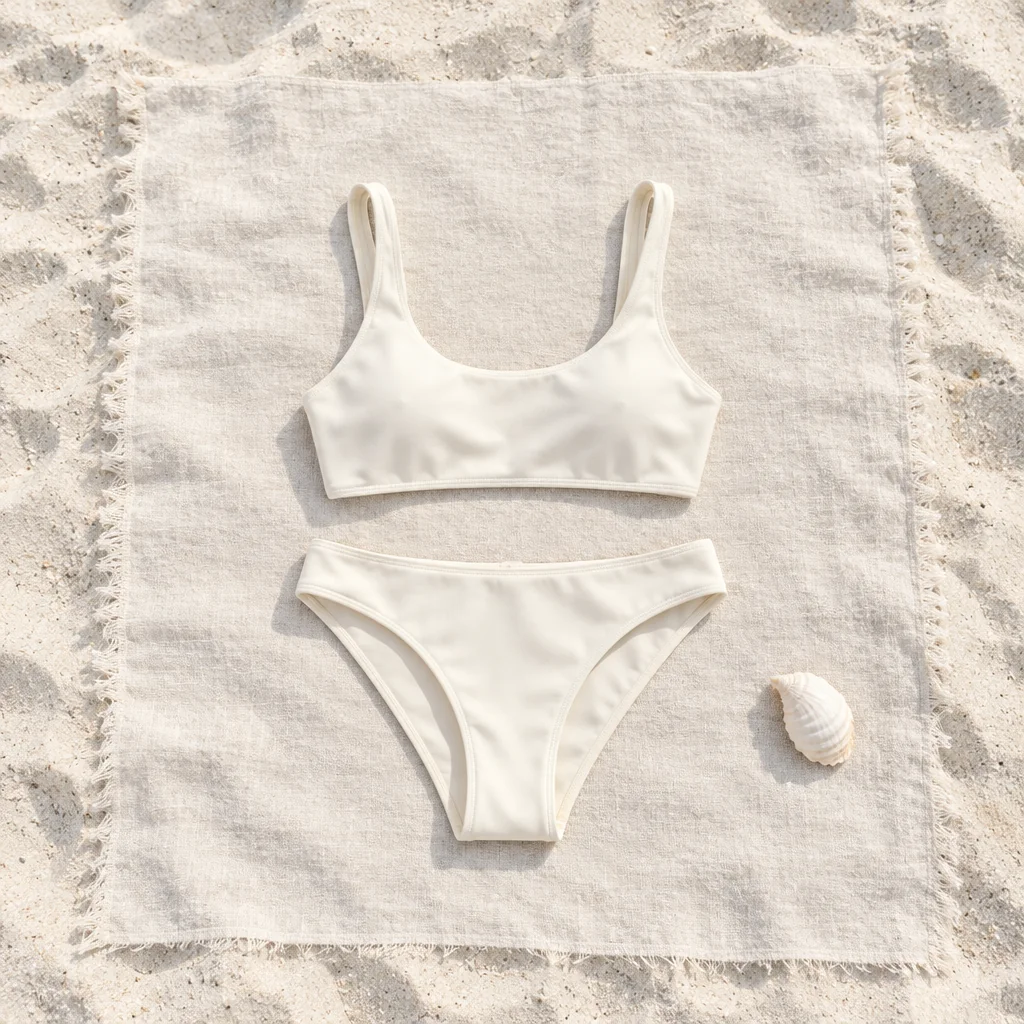
Ivory two-piece arranged squarely on clean sand
1:1
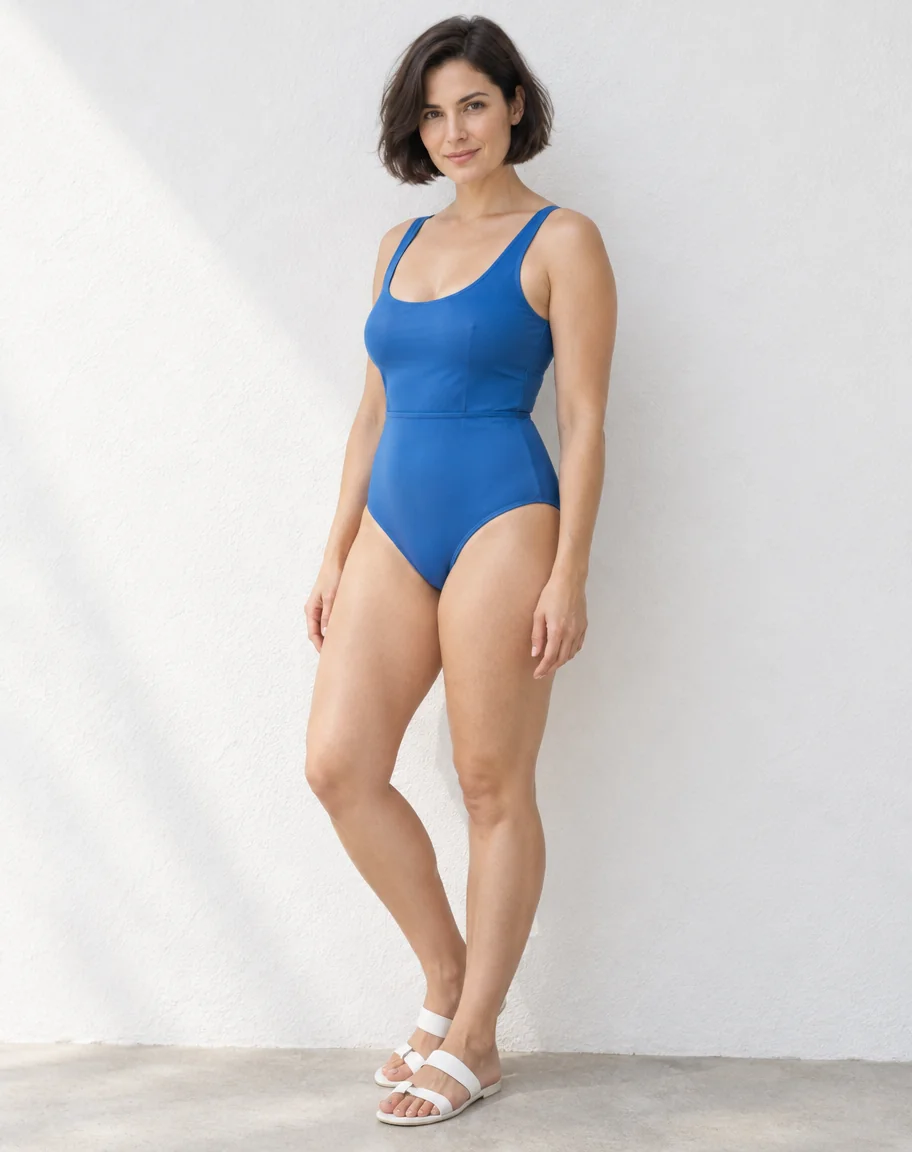
Upright portrait of a blue swimsuit against a chalk wall
4:5
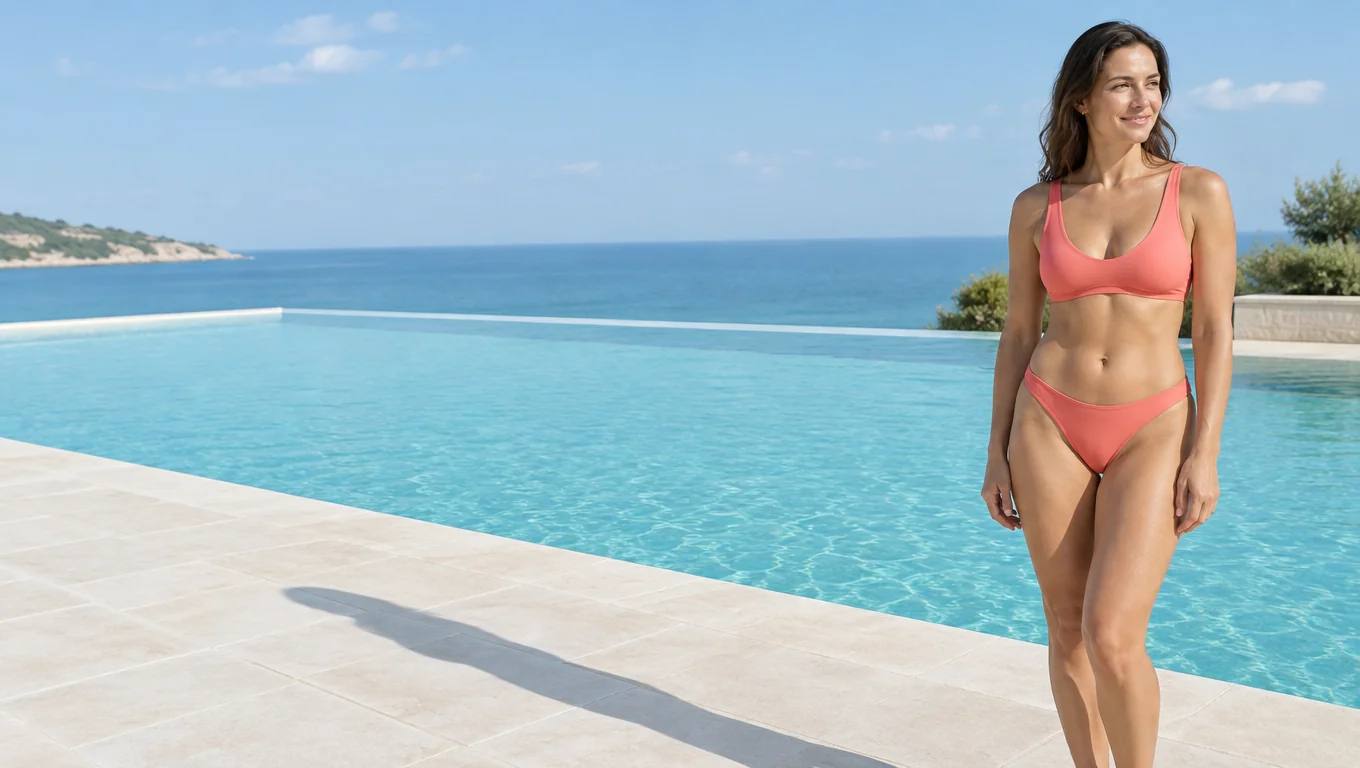
Wide poolside scene with a coral swimsuit at the far right
16:9

Restyle a swimwear product photo

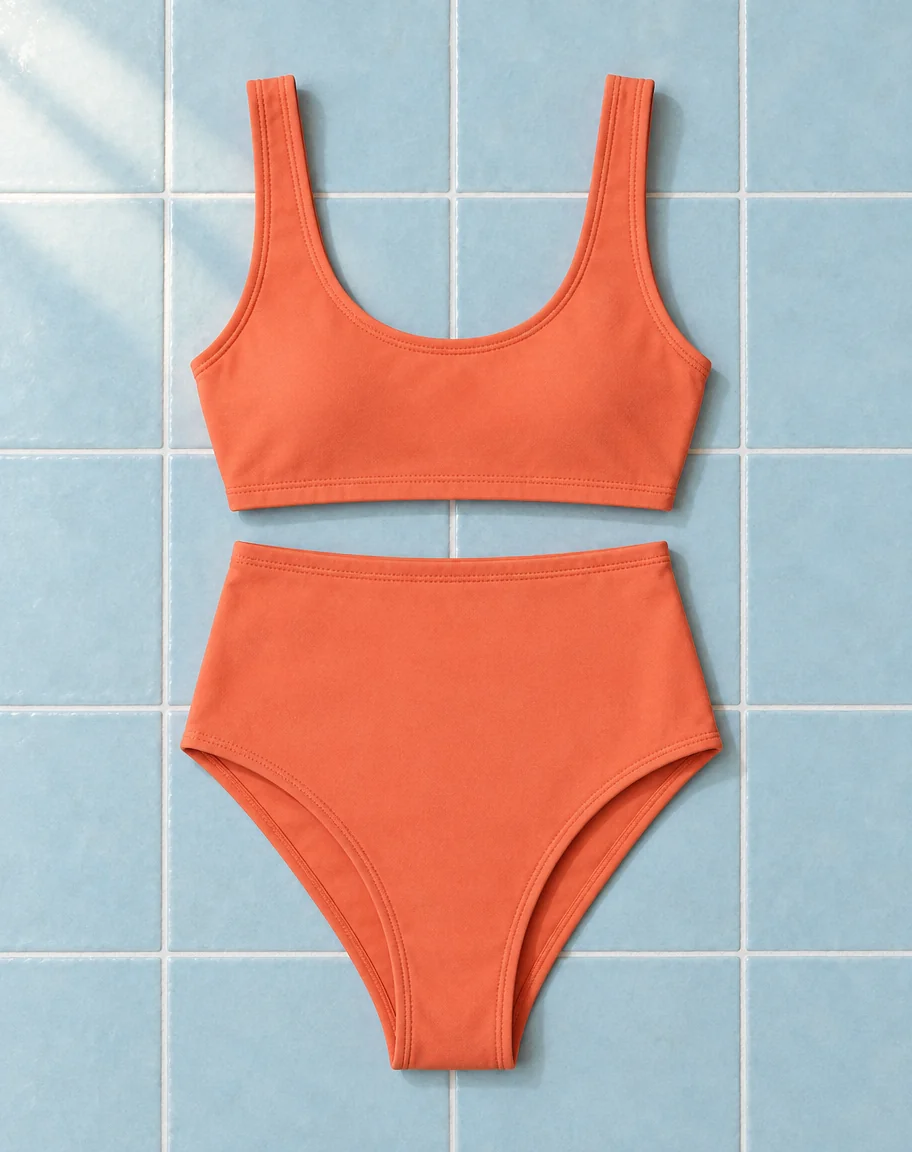
Use a product photo of a bikini laid flat to explore a new setting for the garment. Ask for a different surface or direction of light, and name any construction details that matter, such as the position of a buckle or the contrast between the lining and outer fabric. Save the version that best fits your layout.

Edit a bikini product photo
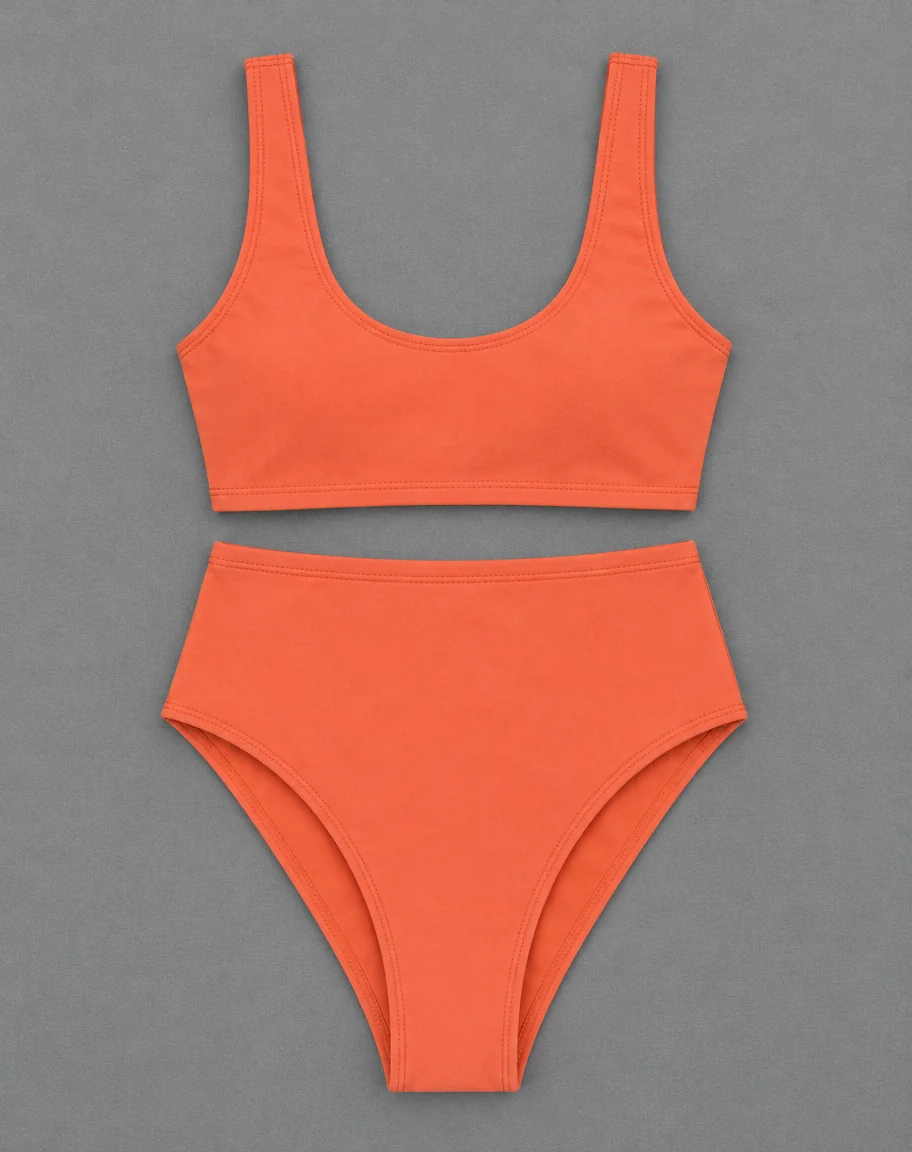
Coral scoop-neck bikini flat lay on matte gray cotton canvasCoral scoop-neck bikini flat lay on pale blue handmade ceramic tiles with narrow white grout lines

How to Use the AI Bikini Generator

Start with a swimsuit idea or a product photo, generate the image, and save it. The AI Bikini Generator guide explains each workflow and how to fix a shot that misses the brief.

  1. Step 1: Describe the Shot

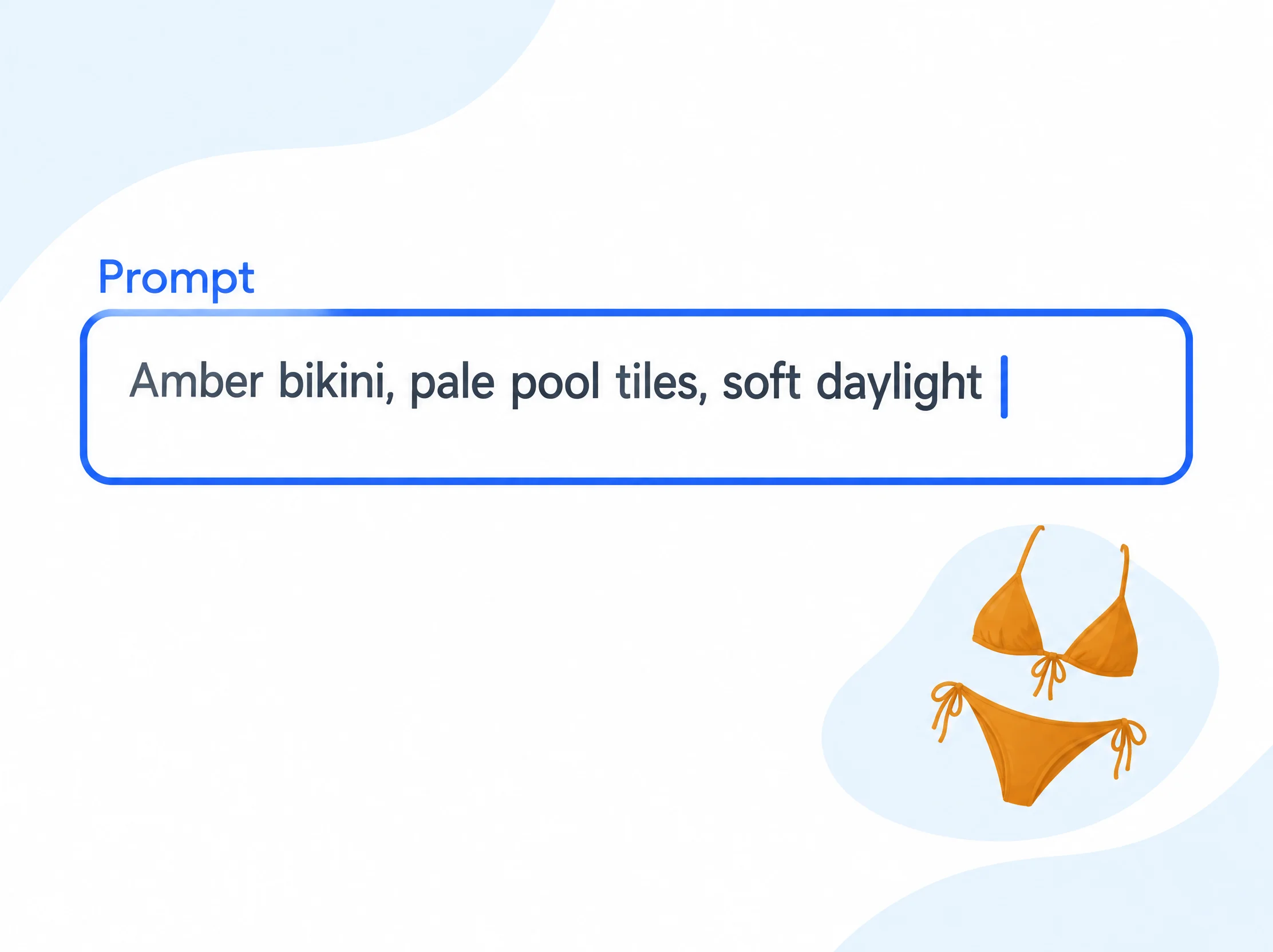
    Describe the swimsuit, setting, and light. For product edits, choose Edit product photo, add a garment photo, and describe the change.

    A prompt field with a brief for an amber swimsuit
  2. Step 2: Choose a Frame and Generate

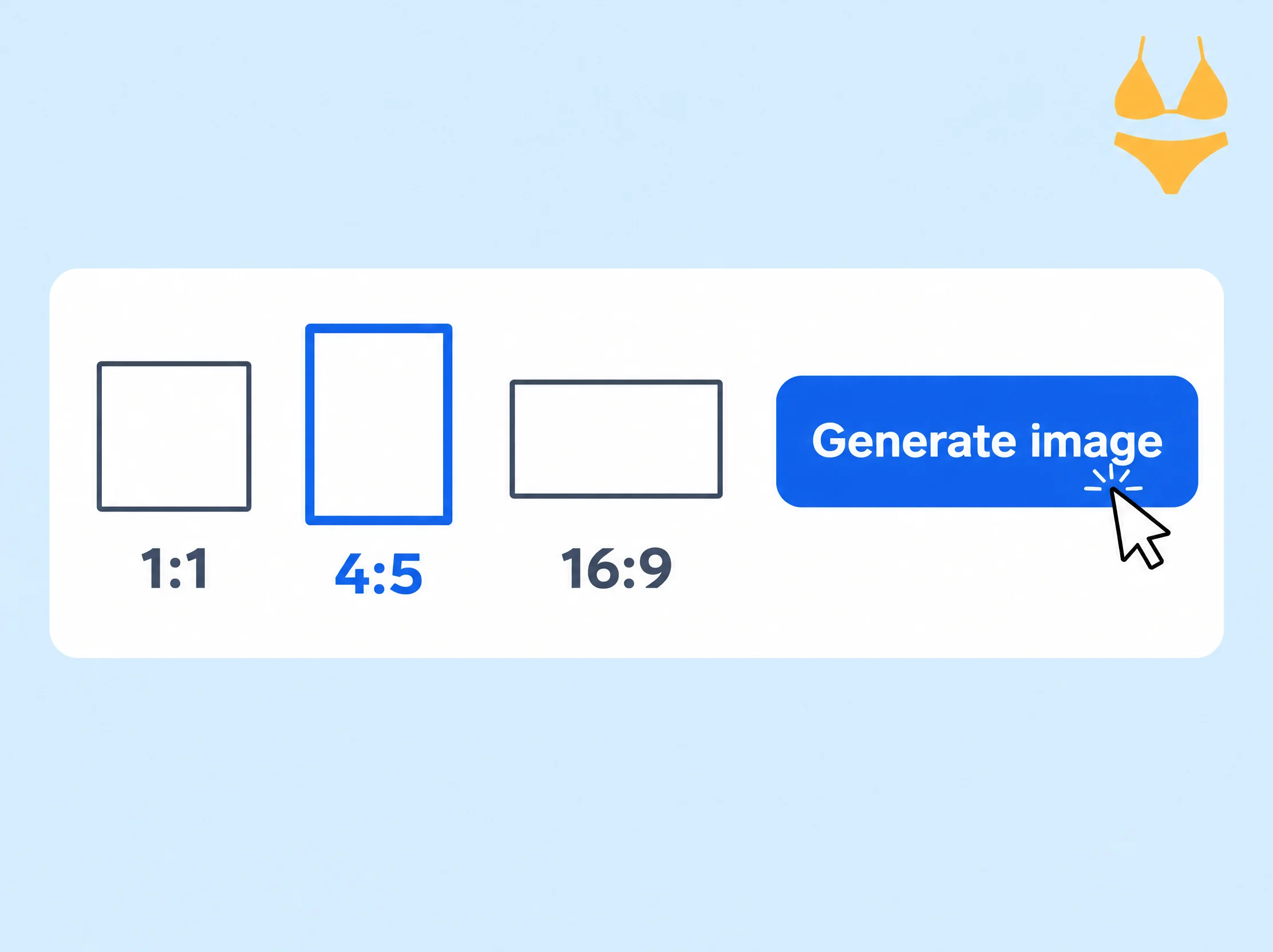
    Select the aspect ratio that fits your layout. Generate the image and open the result when it appears.

    Aspect ratio options and the Generate image action for the same amber swimsuit
  3. Step 3: Download and Save

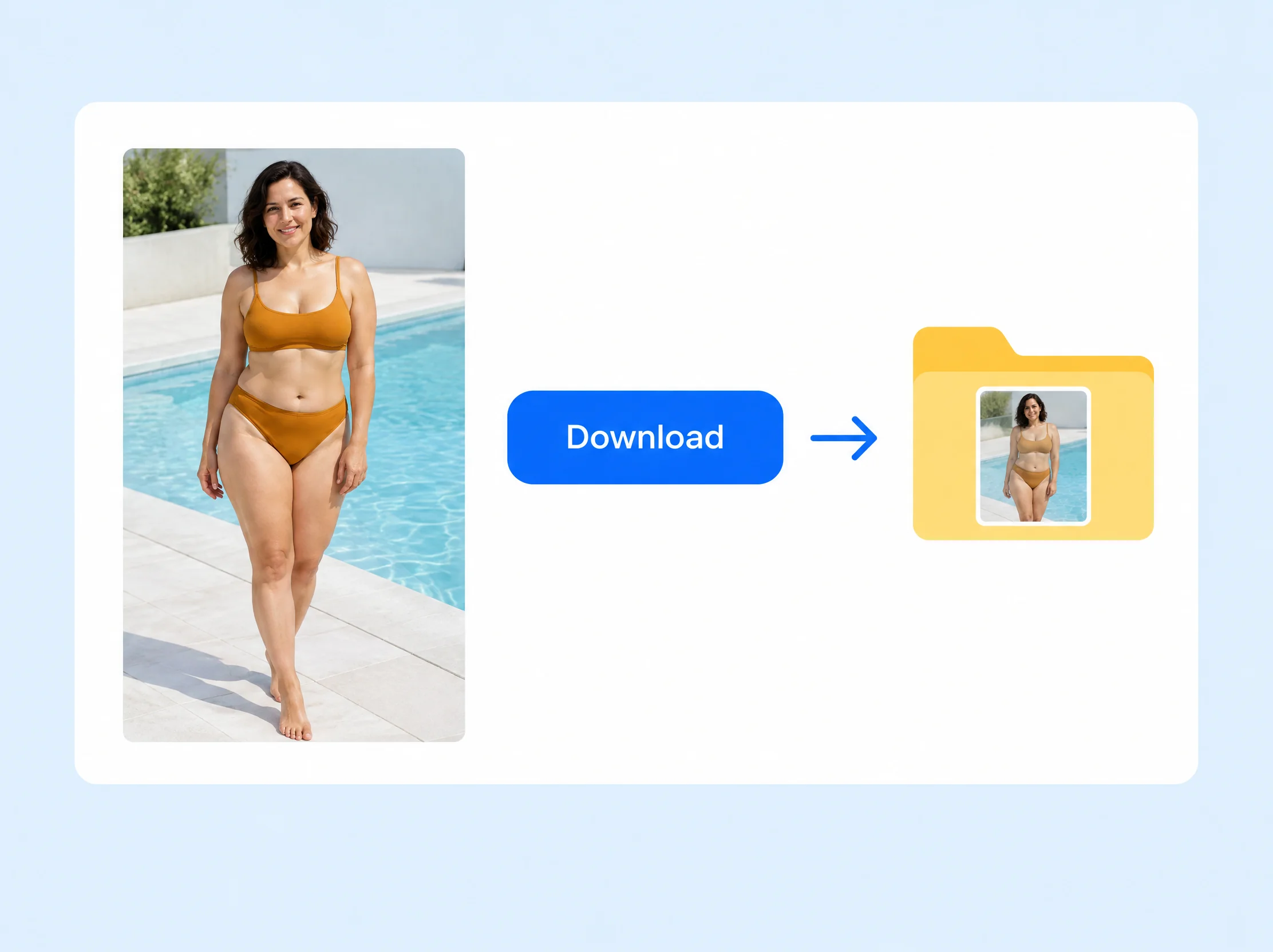
    Download the finished image and save it with the rest of your project files.

    The finished amber swimsuit image, Download button, and saved image file

What to Make with the AI Bikini Generator

Work through a fabric decision, plan a shot before a beach shoot, or make room for type in a swimwear editorial.

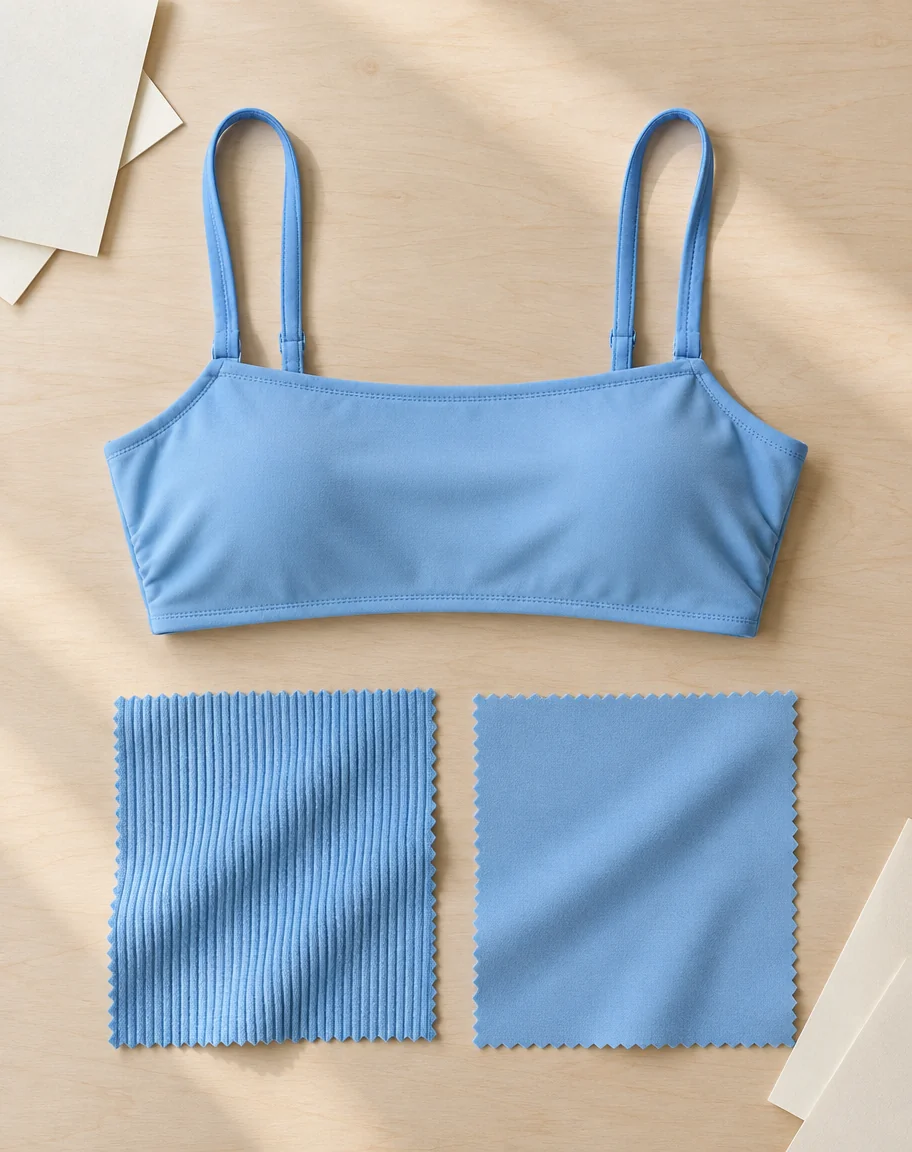
Sky-blue bikini top beside ribbed and smooth jersey swatches

Preview a New Fabric

Start with a design note for the same bikini cut in two textures, such as matte ribbing and smooth jersey. Generate each version under soft studio light. Build a side-by-side mood board to discuss which texture reads more clearly at the scale of a catalog cover.

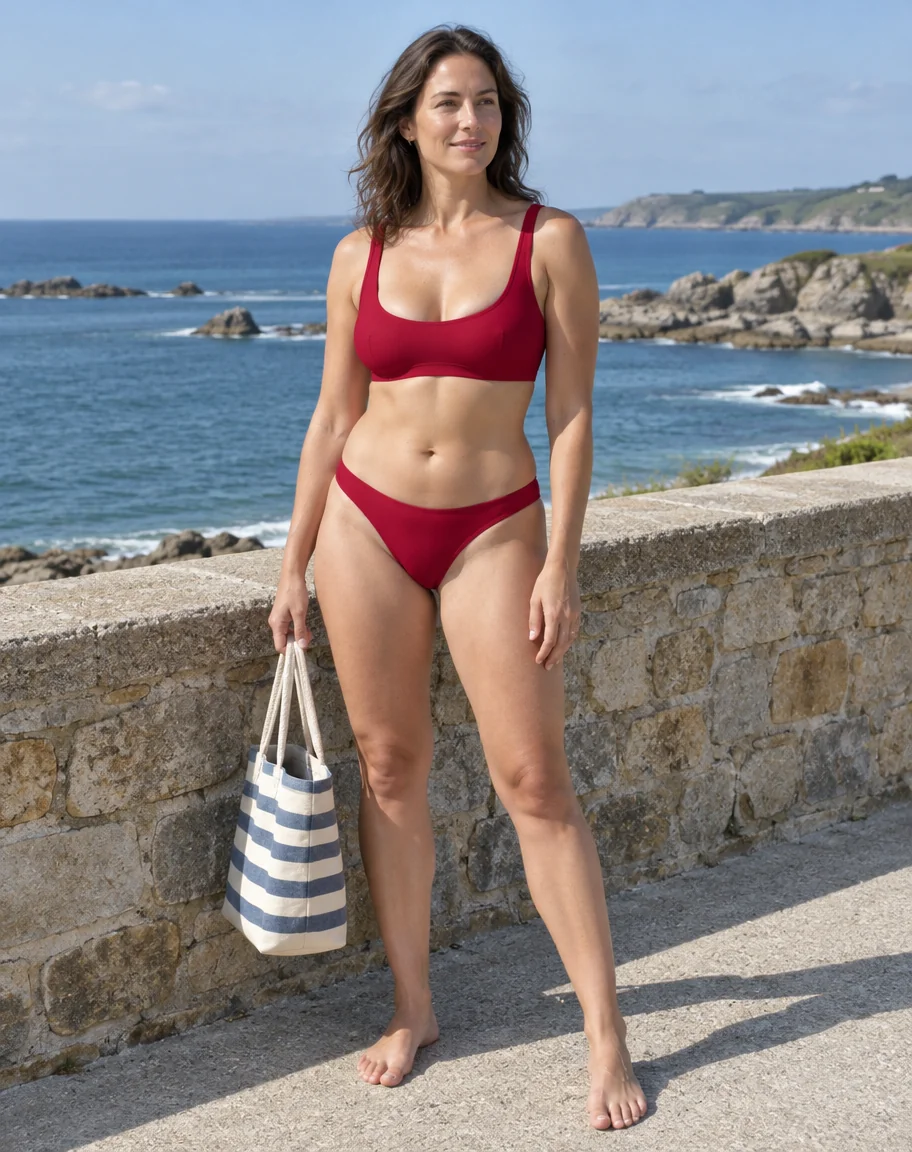
Crimson swimwear beside a low stone wall with the ocean behind it

Plan a Seaside Shoot

Use a location note and a swimsuit color to rough out a photo for your shot list. Place the fictional model beside a low stone wall with the sea behind her. The frame gives the team something concrete to discuss when choosing where the photographer should stand and when the light will reach the wall.

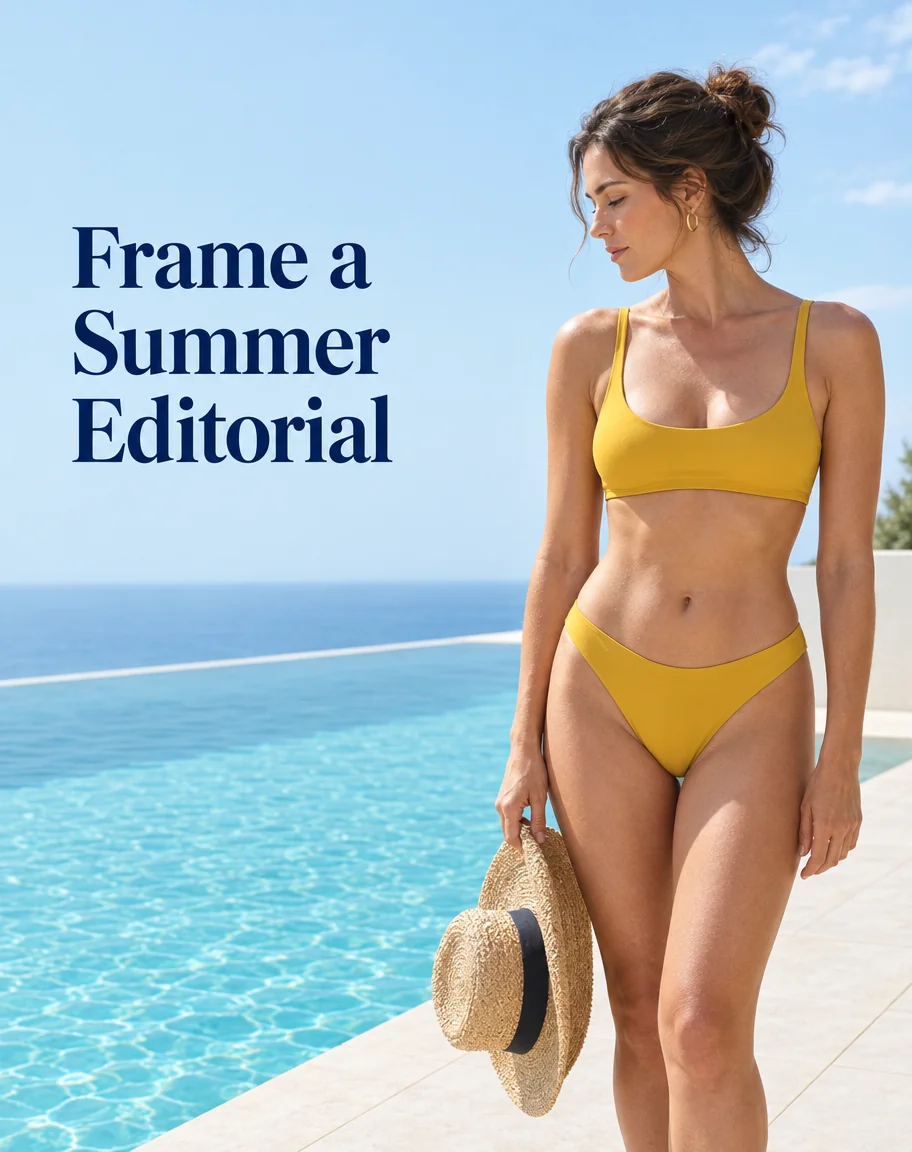
Poolside fashion cover with headline space beside mustard swimwear

Frame a Summer Editorial

Start with a layout that needs space for a headline. Describe a pool deck with the adult model on the right and quiet water on the left. A wide frame lets you see how much room is available around the subject before you bring the image into your layout.

AI Bikini Generator Pricing

Buy a pack of credits with a one-time payment. Your credits never expire.

200 Credits
$9.90
  • 200 credits
  • One-time payment
  • Credits never expire
Most Popular
650 Credits
$29.90
  • 650 credits
  • One-time payment
  • Credits never expire
1,200 Credits
$49.90
  • 1,200 credits
  • One-time payment
  • Credits never expire

AI Bikini Generator FAQ

Find out which photos to start with, what the images can tell you about a swimsuit, and how to save and pay for your work.

Do I need a photo to start?

You can start with a written description. Start with the suit and one detail you want to see clearly, such as the cut of the neckline or the direction of the stripes.

Can I use this to check how a bikini would fit me?

Use the image to compare styles. For a size decision, use the retailer’s measurements or try on the garment.

Can I use a bikini photo I already have?

Yes. Start with a clear photo you have permission to use that shows the bikini on its own. Include the straps, ties, and other details you want to keep within the frame.

How do I save the image I want to use?

Select Download on the finished image and save the file with your project. Keep the prompt with it if you plan to explore another version of the same shot later.

How do AI Bikini Generator credits work?

You can buy credits as a one-time purchase. The credits never expire, so you can use them across separate projects. See the AI Bikini Generator pricing page for the available packs.

Create a Swimwear Photo with the AI Bikini Generator

Start with the suit you want to see and describe where you would photograph it.

Create a swimwear photo